UI/UX design for SaaS, portals and complex systems
We design clear interfaces for SaaS, portals, CRM, marketplaces and complex internal systems — from user flows to ready layouts.




- 7+projects in production
- 100%code and access yours
UI/UX work formats
We match the scope to the product stage: a first version, a redesign of a live system, a mobile app, or bringing order to the interface.

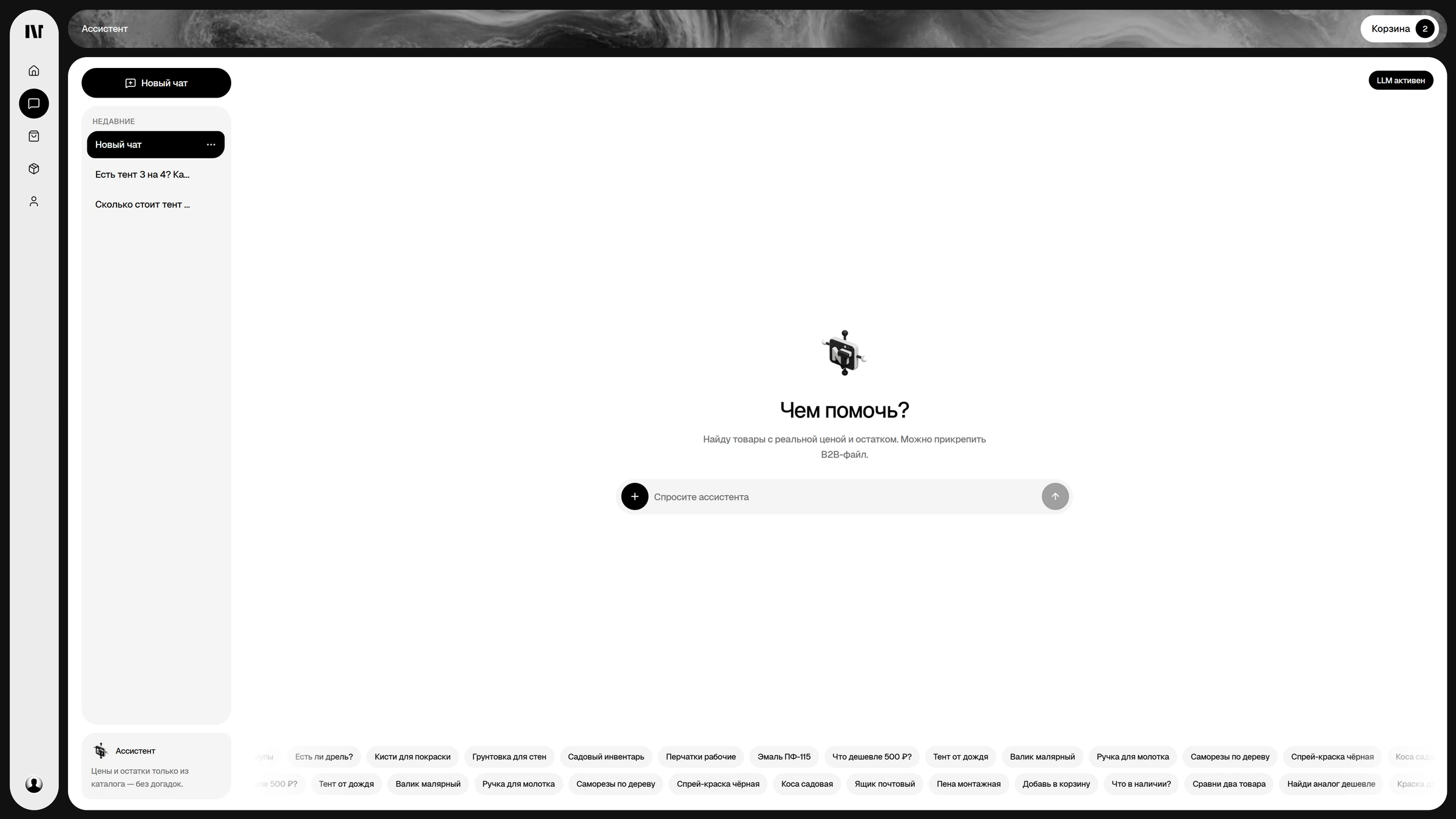
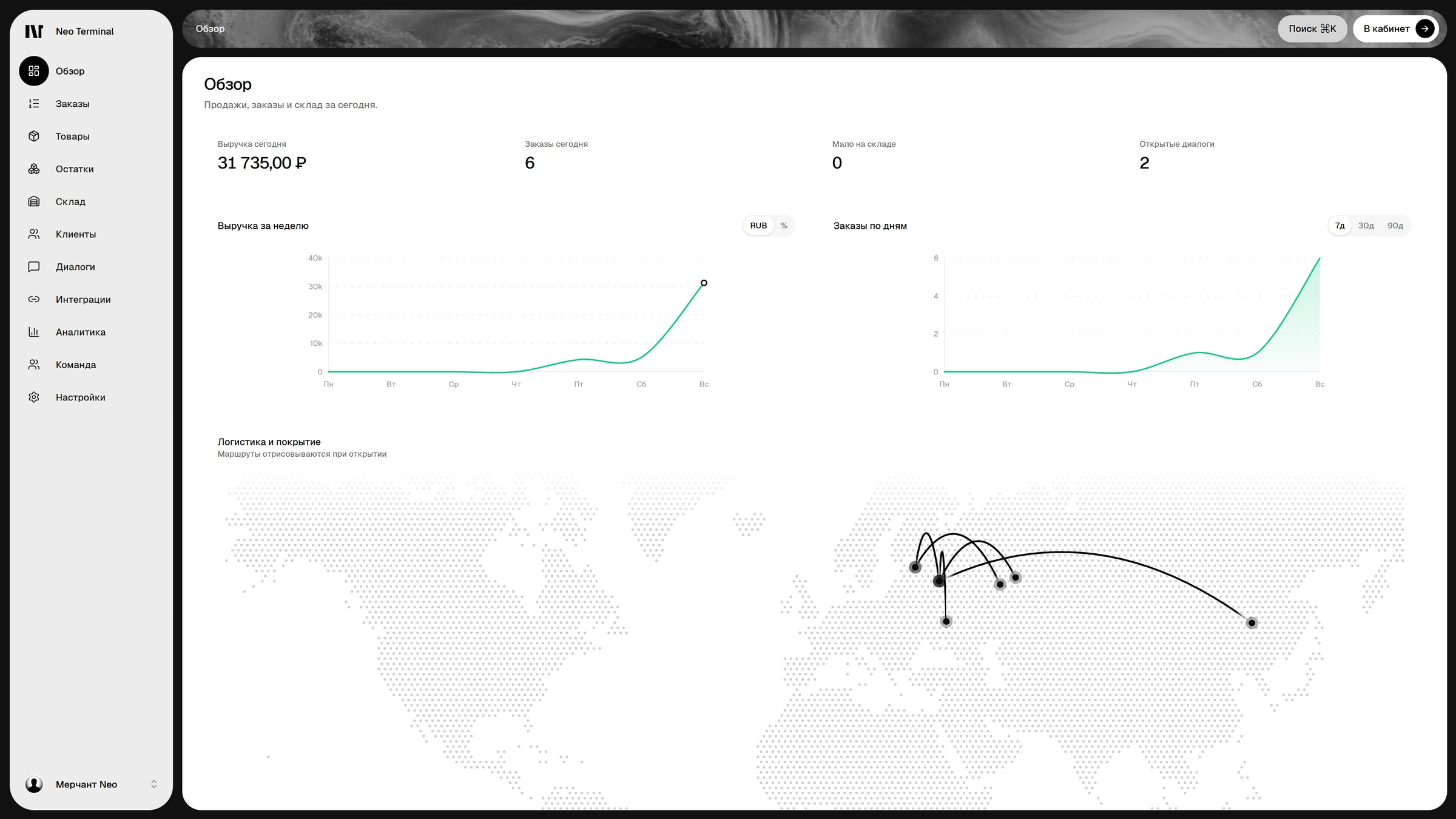
01
MVP design and prototypes
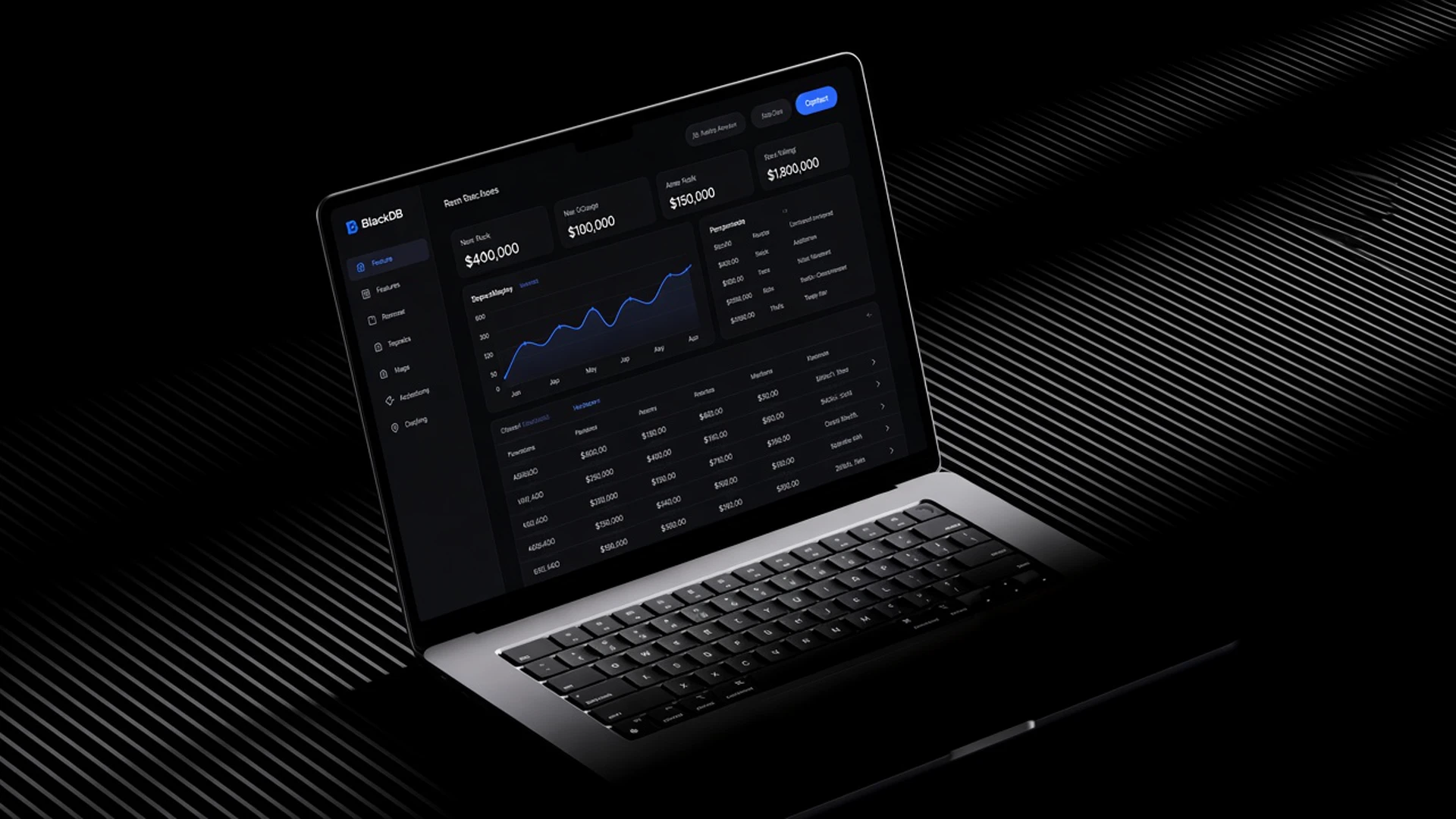
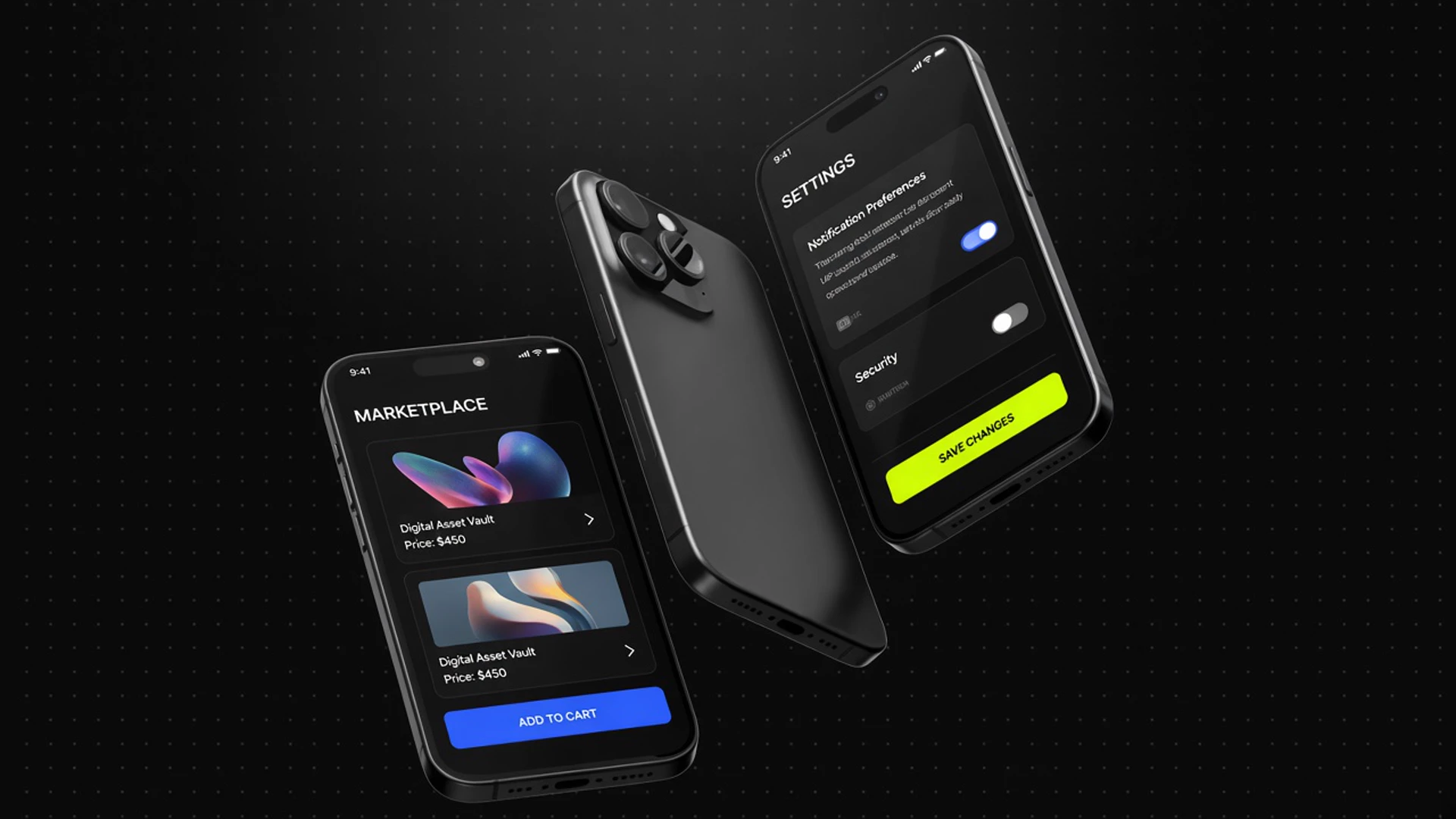
We design the first version of the product: the main scenario, key screens and a clickable prototype you can show to users or investors before development.
- 01MVP
- 02Main scenario
- 03Clickable prototype
- 04User testing
- 05Basis for development
UX
Logic first, visuals second
Before drawing screens we map the flows: who the user is, which steps they take, what data and states each step needs. This is the part that keeps the interface from being redone during development.
- User flow map
- Structure and navigation
- Wireframes of key screens
- Clickable prototype
Who it’s for
- 01
SaaS products and internal systems with complex logic
- 02
Client, partner and employee portals
- 03
Teams whose features exist but the interface gets in the way
TIVONIX projects on this topic
Real products from the project catalogue, with what was actually built in them.
 Marketplace · Telegram Mini AppSlottyBooking marketplace for service providers: filtered catalogue with a map, Telegram Mini App, provider portal with Free/Pro plans, platform admin and bePaid payments.Turnkey design and developmentView project
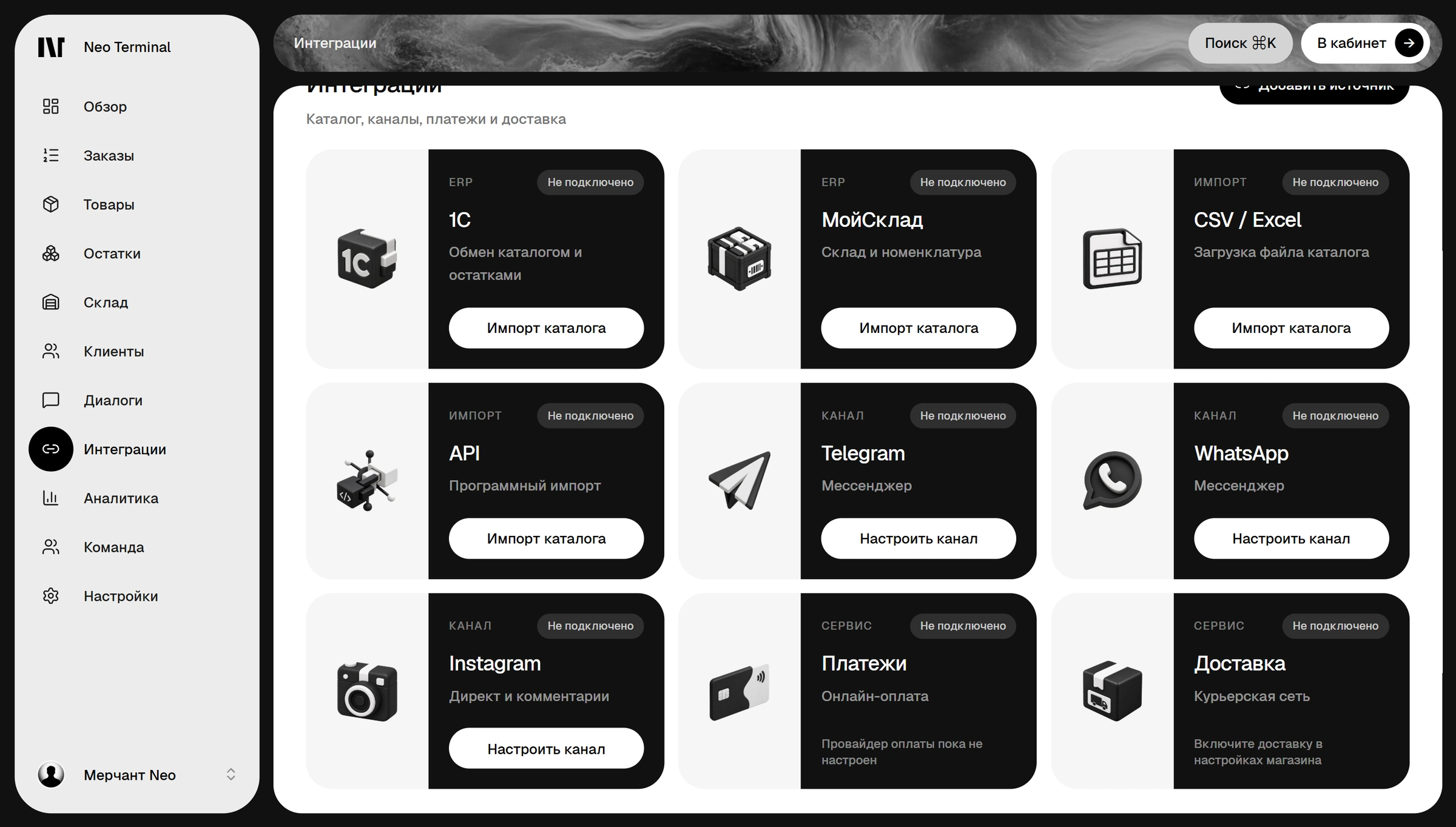
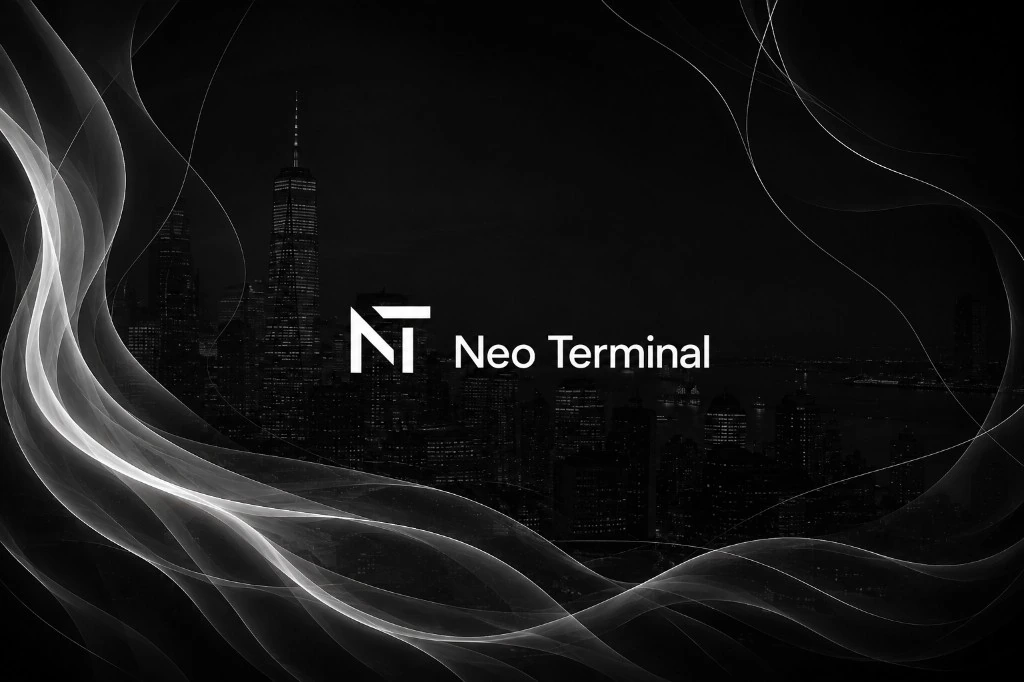 AI Commerce · RetailTechNeo TerminalCommerce platform with a catalogue, merchant operations and an AI consultant: natural-language search, Product Page Expert and commerce actions on real catalogue data.Turnkey product design and developmentView project
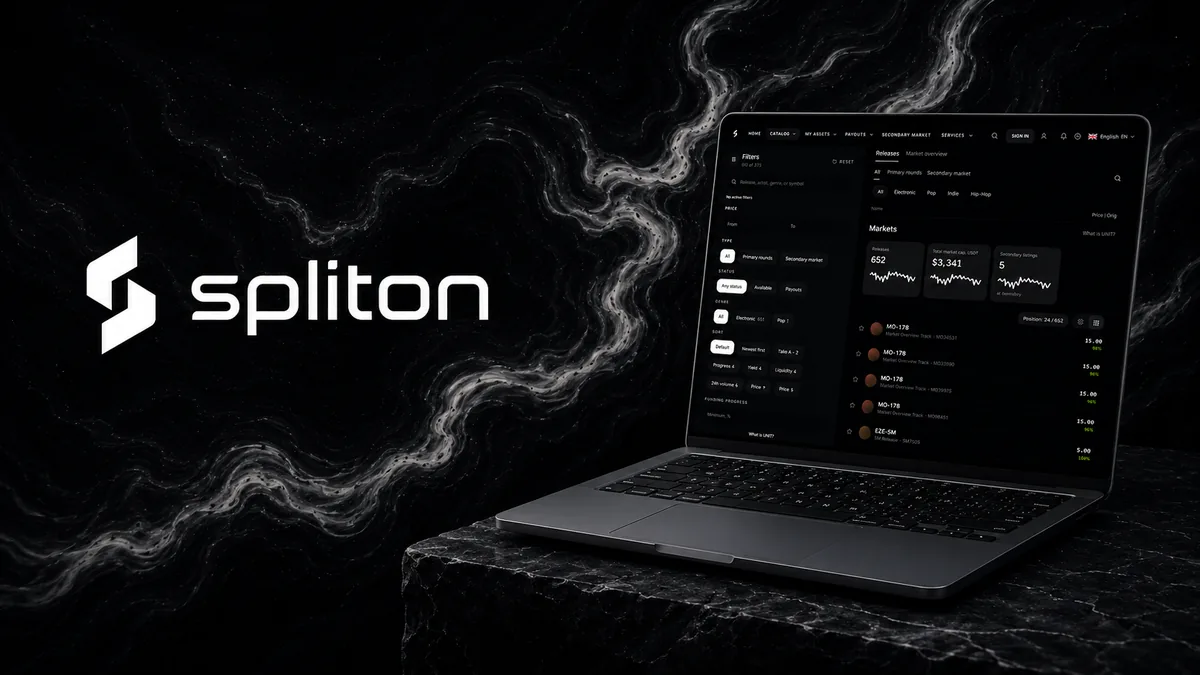 FinTech · MusicSplitonFintech platform for music shares: catalogue, primary and secondary market, USDT wallet, ledger, compliance and an operator portal.Architecture, UI/UX, engineering and supportView project
Tell us the task — we’ll outline scope, timeline and cost
The brief takes a few minutes. We reply with the next step, risks, timeline and a cost range.
How the work goes
Stage 1
Audit and brief
Who the product is for and where it stands today.
- Brief and product goals
- Review of the current product or competitors
- Roles and key scenarios
- First-version scope
Stage 2
UX: flows and prototype
Logic first, visuals second.
- User flow map
- Structure and navigation
- Wireframes
- Clickable prototype
Stage 3
UI: concept and layouts
The visual language and every screen with its states.
- Visual concept
- Key screen layouts
- States and responsive layouts
- UI kit and design system
Stage 4
Handover and support
We stay close while the interface is being built.
- Figma layouts and components
- Walkthrough with developers
- Implementation review
- Development with us — optional
UI and design system
An interface built from a system
The visual concept turns into a set of components: buttons, fields, cards, tables and their states. Screens are assembled from these parts, so the product looks whole and new sections are faster to make.
- Visual concept
- Layouts and responsive versions
- States: loading, errors, empty screens
- UI kit and design system in Figma
Why TIVONIX
- 01
One owner of the result
The work is led by the TIVONIX founder: responsibility isn’t spread across contractors and decisions are made quickly.
- 02
Design tied to the back end and architecture
Screens are designed together with roles, data, states and APIs, so the interface holds up once development starts.
- 03
Code and access stay with you
Source code, access, environment settings and instructions are handed to the client. The project isn’t locked to us.
- 04
Built in working parts
We show working parts of the system, not pictures: interface, server side, admin panel and integrations.
More in Design
- Web DesignModern websites and digital interfaces focused on product, trust and conversion.
- UX/UI AuditWe find issues in user flows, navigation and UI and build a prioritized improvement plan.
- Product RedesignWe rebuild an existing product without losing its logic: UX, UI, flows and design system.
- Mobile App DesignInterfaces for mobile apps and mobile-first products.
- Design SystemsReusable components, UI patterns and rules that let a product scale without visual chaos.
- Interactive PrototypesClickable prototypes to validate hypotheses, pitch investors and prepare development.
FAQ
What does UI/UX design include?
Product flows and structure, wireframes and a prototype, key screens with all their states, responsive layouts and a UI kit or design system. You get Figma layouts and components ready for development.
What’s the difference between UX and UI?
UX is the logic: which steps the user takes, which screens and data they need, what happens on errors. UI is the visual layer: grid, typography, components and states. We start with UX so the visuals don’t have to be redone.
How is the cost formed?
It depends on the number of roles, screens and flows, whether responsive layouts and a design system are needed, and what already exists. Scope and price are fixed in writing after reviewing the task — before work starts.
How long does design take?
It depends on scope: one key flow is faster to design than a product with several roles and dashboards. We name the timeline after the brief and split the work into stages — flows, key screens, remaining screens and handover.
Do you also do development?
Yes. TIVONIX designs and builds: front end, back end, admin panels and integrations. You can order design only — your team gets the layouts — or design together with development.
What do you need to get started?
A description of the product and users, the task and whatever exists: the current product, designs, brand, references. If there’s no product yet, the idea and the main scenario are enough — we’ll cover the rest in the brief.
Which industries do you work with?
SaaS, fintech, e-commerce and internal systems. TIVONIX projects include the Slotty booking marketplace, the Neo Terminal AI commerce platform, the Spliton fintech platform and the Tivonix Panel partner dashboard.
Who keeps the designs, code and access?
You do. Figma files, source code, access and documentation are handed to the client.